
QR Codes for Teachers: 12 Classroom Uses That Work
Last updated Oct 4, 2026
On this page
- Why QR codes fit a classroom
- Twelve classroom uses, one job each
- Setting up the first few codes
- How big to print a classroom QR code
- COPPA, FERPA and where a classroom code may point
- The students who need the codes most
- The substitute folder
- Mistakes new teachers make with classroom QR codes
- What a working QR classroom looks like
- Sources
- Common questions about QR codes for teachers
QR codes for teachers work best when each code does one job: a laminated code on a book opens its audio, a code on the door opens the day's agenda, one sheet in the substitute folder opens the whole room. Static codes are free with no account, print in minutes and ask nothing of students beyond a camera. Below are twelve classroom uses, the privacy rules on where a code may point, and the print sizes that scan.
Why QR codes fit a classroom
A QR code connects a physical thing in the room, a poster, a book, a lab bench, a door, to a digital resource the school already has, without anyone typing a long address into a Chromebook. That is the whole case for them in K-12, and it is enough. The long addresses that learning platforms generate are hard for an adult to type and harder for a nine-year-old, and a two-second scan removes that step.
The common objection is screen time. A short scan that opens a vocabulary list or a fire drill sheet is not the kind of screen time anyone worries about; unstructured scrolling is. A code that closes the loop on a physical task and then gets put away is the opposite of that.
Twelve classroom uses, one job each
Each use below pairs one code with one destination. The table shows what the code should open and whether it should be static (the address is in the code and never changes) or dynamic (the code holds a short link you can repoint later). The details follow the table.
| Use | What the code opens | Static or dynamic |
|---|---|---|
| Textbook companion videos | The publisher's explainer video for a hard concept, or a public lesson page | Static |
| Classroom library check-out | A view-only form that records the student name and the date | Static |
| Attendance | A form that logs name and time, projected for the first minute of class | Static |
| Conference RSVP | A scheduling page where parents pick a slot | Dynamic, so the page can change each term |
| Lab safety sheets | The safety data sheet for the chemical at that station | Dynamic, so the sheet follows the chemical |
| Field trip resources | A page with departure time, what to look for, and the chaperone phone number | Dynamic, one code for every trip |
| Vocabulary scavenger hunt | A card per word, each with a definition or a primary source | Dynamic, so the same codes serve a new unit |
| Reading buddy audio | A recording of the first chapter, on the inside cover of each book | Static |
| Classroom rules | A one-page document with expectations, consequences and how to appeal | Static |
| Daily agenda | A document the teacher updates each morning, on the classroom door | Static, because the document changes and the address does not |
| Supply list | A current list with links, in the welcome packet | Static, same reason |
| Emergency procedures | The current fire drill and lockdown protocol, next to the classroom phone | Static |
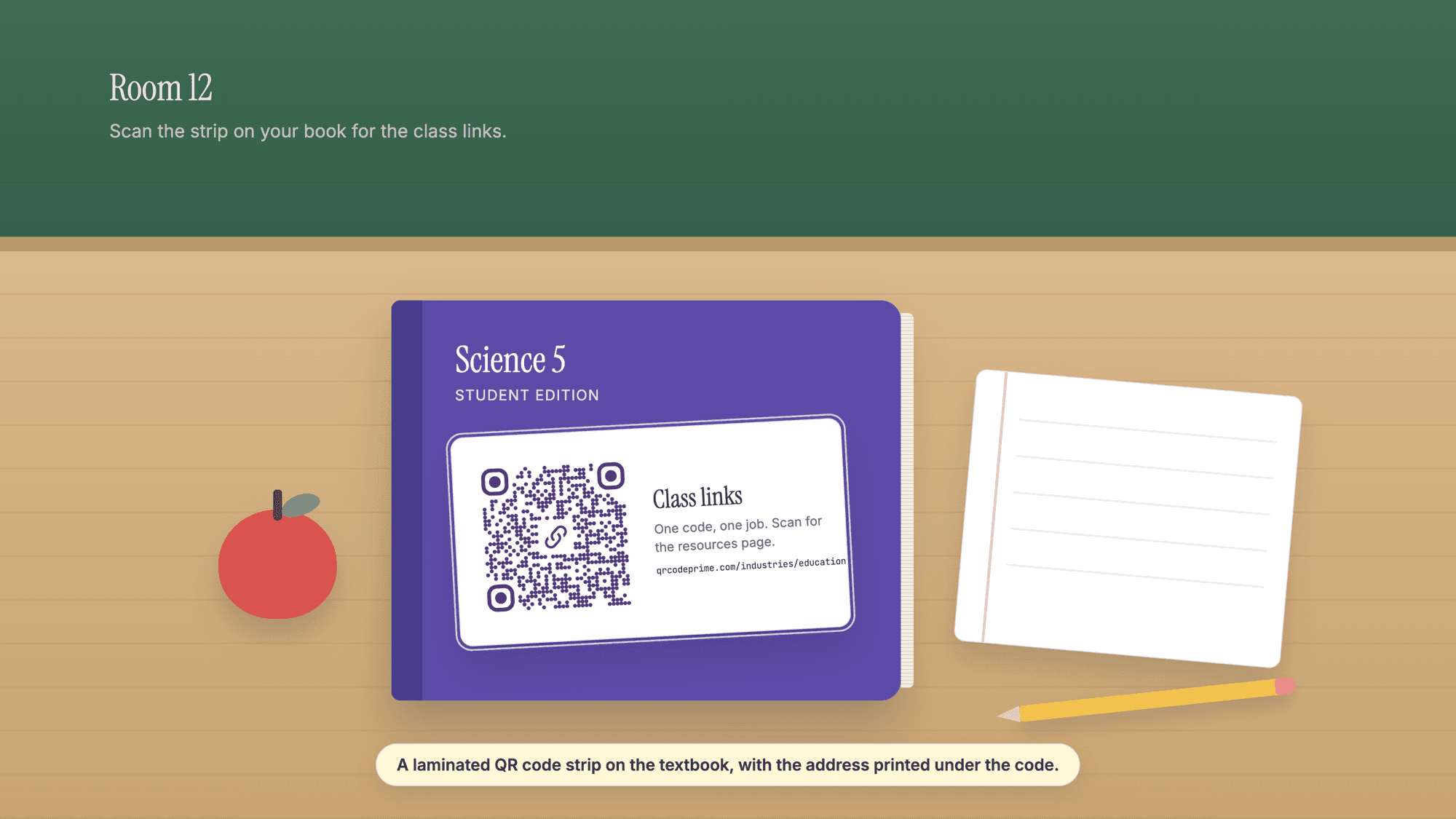
1. Textbook companion videos. Most current textbooks have publisher-hosted videos for the concepts students get stuck on. A code on a worksheet or in the margin of a unit sheet opens the video at the moment of the stuck point, which is usually homework time, when the adult at home may not know a numerator from a denominator. Public lesson pages such as Khan Academy work as a fallback where the publisher's material is thin.
2. Classroom library check-out. A code on the back of each classroom library book opens a form that records who took it and when. The responses land in a spreadsheet the teacher checks once a week, and the end-of-year hunt for missing copies gets much shorter.
3. Attendance. The code is projected on the board for the first minute of class. Students scan, a form logs the name and a time stamp, and a sorted list exists before the bell finishes. The official record still goes into the district system by hand; the in-class count is what gets automated. This only works where every student has a device on the desk, which the mistakes section comes back to.
4. Parent-teacher conference RSVP. The code goes home on the slip stapled to the report card and opens a scheduling page. Parents pick a slot from the fridge instead of from a paper sheet at curriculum night.
5. Lab safety sheets. A code at each lab station opens the safety data sheet for the chemical in use that week. A student who knocks over a beaker can scan for the cleanup steps while the teacher reaches for the spill kit.
6. Field trip resources. The code on the permission slip opens a page with the bus time, three things to look for at the museum and the chaperone phone number. The same code on the classroom door covers the student whose slip is at the bottom of a backpack. A second code holding the meeting point as a Google Maps QR code saves the parent drop-off questions.
7. Vocabulary scavenger hunt. Codes taped around the hallway, each opening one word with its definition. Students move in pairs, scan, write, move on. The same layout works for a history walk where each code is a year and opens a primary source.
8. Reading buddy audio. A code inside the cover of each library book opens a recording of the first chapter. Students still building fluency listen first and then read along, and because every book has the code, nobody is singled out for using it.
9. Classroom rules. A poster-sized code on the back wall opens a one-page document with the expectations, the consequences and the appeal process. When an argument starts, the teacher points at the code. The rule existed before the argument did.
10. Daily agenda. A code on the door opens the day's plan. A student returning from a pull-out session catches up without interrupting; a parent dropping off a forgotten lunch sees what the class is doing.
11. Supply list. One code in the welcome packet opens a list that is kept current. When the approved calculator changes mid-year, the list changes, not fifty packets.
12. Emergency procedures. A laminated code next to the classroom phone opens the current fire drill and lockdown protocol, so a substitute who has never been in the building knows where to take the class and who to check in with.
Setting up the first few codes
Pick the three or four uses that solve the loudest friction and set those up before adding more. For each one, make the destination first: a Google Doc or Slides file, a form, or a page on the school site. Google's own help page explains what sharing controls do: "When you share from Google Drive, you can control whether people can edit, comment on, or only open the file." For a classroom code, choose the setting that lets anyone with the link view the file, so no student hits a login.
Then open the URL QR code generator, paste the address, and download the PNG for a screen or the SVG for print. A static code needs no account. Print it, laminate it and tape it where it belongs. For a code whose destination will change, make it dynamic instead: a free QRCodePrime account includes 10 dynamic QR codes, free for life, with scan analytics, no credit card required and no watermarks, and the free dynamic QR code generator is where to make one. Building it on a phone during a prep period works the same way; the phone walkthrough has the steps, and the generator is the same page either way.
How big to print a classroom QR code
The smallest safe width depends on how much is inside the code, and classroom links are long. We encoded four typical destinations with the same library the generator uses, at the error correction level it uses, and worked out the smallest print width from Denso Wave's guidance of four printer dots per square at 300 dpi and a margin of four squares on every side. Denso Wave, which invented the QR code, puts the margin rule plainly: "QR Code requires a four-module wide margin at all sides of a symbol."
| What the code holds | Characters | Squares per side | Smallest print width, margin included |
|---|---|---|---|
| A Google Docs view link | 84 | 49 | 18.8 mm (0.74 in) |
| A Google Forms link | 98 | 53 | 20.1 mm (0.79 in) |
| A Khan Academy lesson link | 68 | 49 | 18.8 mm (0.74 in) |
| A short page on the school's own site | 52 | 41 | 16.2 mm (0.64 in) |
| A dynamic short link, any destination | 38 | 37 | 14.9 mm (0.58 in) |
Those are floors for a code held in the hand, not sizes for a wall. A sticker inside a book cover can sit near the floor. A door sign read from a step away should be larger, and a poster read from the back row larger still; the right size for the back wall is the one that scans from the back row in a test with the classroom lights on, and there is no table that replaces that test. Laminate everything: a school is a damp, sticky, well-handled place and plain paper does not last. The guide to testing a QR code before printing covers the test itself.
COPPA, FERPA and where a classroom code may point
Two federal rules decide where a classroom code may safely point. The Federal Trade Commission's summary of COPPA says the rule "imposes certain requirements on operators of websites or online services directed to children under 13 years of age, and on operators of other websites or online services that have actual knowledge that they are collecting personal information online from a child under 13 years of age." The Department of Education describes FERPA as "a federal law that affords parents the right to have access to their children's education records, the right to seek to have the records amended, and the right to have some control over the disclosure of personally identifiable information from the education records."
For a teacher the practical reading is this. A code may point to a publisher's textbook page, a public lesson, a view-only document, or a page inside the district's approved learning system, because none of those collect or expose a student's information without the district's own login. A code should not point to a sign-up form for a tool the district has not approved, a quiz platform that creates student accounts, or anything that asks for a student name and email before showing content. When in doubt, the building technology coordinator can answer in five minutes, and the district's list of approved platforms is the safe boundary.
For sharing a teacher's own email or office hours with parents, a plain text QR code is the cleanest route: the text is inside the code, so there is no third-party page and no data collected. The walkthrough on putting plain text in a QR code covers how much fits.
The students who need the codes most
Three students are in every classroom, and the code pattern serves each of them. For the student who cannot yet decode print, an audio code on the book plays the chapter while the student follows along. For the family that reads Spanish, Hindi or Vietnamese at home, the weekly update can be a document with translation built in, so the family reads it in their own language without having to ask. For the student whose family shares one device, a code on the assignment list can be scanned in the morning and the page returned to in the evening when device time comes around.
In self-contained special education rooms, codes can open short video instructions or speech prompts that work better than printed text for non-readers. A small set of picture cards, each with a code that speaks a request aloud, is one pattern teachers and therapists use; whether it suits a particular student is a question for the team that knows the student.
The substitute folder
One printed sheet with one code, kept in the top drawer, opens a document with everything a substitute needs: the seating chart, the morning routine, which students have accommodations and what they are, who leaves for services and when, where the bathroom pass is, and what to do if the alarm goes off. The teacher updates the document; the code never changes. A substitute who has never seen the building scans the sheet and has the room in hand within a couple of minutes. Students notice an unprepared substitute, and this is the cheapest way to prevent that.
Mistakes new teachers make with classroom QR codes
Linking to a video site without controlling what plays next. A public video link plays the video and then whatever the platform suggests, which in a classroom is unpredictable. Use the publisher's hosted version, the district's video storage, or an embed that stops at the end.
Static codes for content that changes. If the destination page will move three times this year, the code should be dynamic or should point to a document that stays at one address while its contents change. Reprinting and re-laminating is a tax on Sunday evenings. The guide to editing a QR code after printing shows the dashboard steps.
No address printed under the code. Some districts block camera access on student devices and some students have no phone. Print the short address under every classroom code in readable type so the student who cannot scan can still type.
Codes that require a login the student does not have. Many education tools assume a Google login, and not every student has a school account on the device in hand. Test every code in a private browser window before laminating it. If a login appears, change the sharing setting or move the resource to a public page.
Scan competitions. Some platforms turn scanning into a leaderboard. The student with the oldest phone or no phone is the one who feels it. There are better ways to get engagement.
Attendance codes in rooms with a shared device cart. The login friction defeats the time saved. Where devices are shared, calling names is faster; use the code only where every student has a device on the desk.
Paying for a QR service with the book budget. Other platforms charge for analytics dashboards, branded landing pages and team features. None of that matters in a classroom. Static codes are unlimited and free with no account, and the 10 dynamic codes in a free QRCodePrime account, free for life, cover the agenda and the scavenger hunt. If a code is not scanning, QR code not scanning: every fix walks through the causes by symptom.
What a working QR classroom looks like
A classroom that uses codes well has three or four laminated codes, each doing one job; a substitute folder with one sheet; a book cart where every book has a check-out code; and a weekly newsletter with a code on it. The teacher updates the documents on Friday and the rest runs itself.
A classroom that uses them badly has codes on every surface, half pointing to pages that no longer exist and the rest requiring a login the students do not have. After the sixth broken code, students decide codes are broken on principle. The cure is to pick four uses, set them up once, and add a fifth only after the first four have worked for a month.
The education QR code page collects the classroom patterns in one place, and the FAQ covers print sizing and lamination. Any code can be checked before it goes on a wall with the online QR scanner, which shows the address inside it without opening anything.
Sources
- Federal Trade Commission: Children's Online Privacy Protection Rule (COPPA), rule summary
- Federal Trade Commission: Complying with COPPA, Frequently Asked Questions
- U.S. Department of Education, Protecting Student Privacy: What is FERPA?
- Google Docs Editors Help: Share files from Google Drive (sharing controls and link access)
- Denso Wave: Point for determining the code area (module size and the four-module margin)
Common questions about QR codes for teachers
Are QR codes safe to use in K-12 classrooms?▾
The code itself collects nothing; making one on QRCodePrime requires no student information and no account. What matters is where the code points. A view-only document, a publisher's textbook page, a public lesson or a page inside the district's approved learning system collects no student data without the district's own login. Avoid pointing a classroom code at any tool that creates student accounts or asks for a student's name and email before showing content. A quick test: if the link could go home on a printed handout, the code pointing at it is equally fine.
How do I make sure students can scan a classroom QR code without an account?▾
Open the destination in a private browser window before you laminate the code. If a Google login, a learning system login or a district sign-in appears, change the document's sharing to anyone with the link can view, or move the resource to a public page. The test takes under a minute and catches the problem before a class spends its first minutes of independent work staring at a login screen.
What is the best size for a QR code on a worksheet?▾
Work from the floor up. A code holding a Google Docs link is 49 squares per side, and with Denso Wave's four dots per square at 300 dpi plus the four-square margin, its smallest clean width is 18.8 mm, about three quarters of an inch. On a worksheet held in the hand, one inch gives a comfortable margin over that floor. For a poster read from across the room, print a test copy and scan it from the back row with the lights on; the size that passes that test is the right one.
Can I use QR codes for attendance tracking?▾
Yes, where every student has a device on the desk. Project the code for the first minute of class; students scan and a form logs the name and a time stamp. The official attendance record still goes into the district system by hand. It does not work in rooms with a shared device cart, where the login takes longer than calling names.
Do teachers need to pay for a QR code service?▾
No. All twelve uses in this article run on static QR codes, which are unlimited and free on QRCodePrime with no account, plus the 10 dynamic QR codes a free account includes for life, with scan analytics, no credit card and no watermarks. Other platforms charge for analytics dashboards and branded pages, which a classroom does not need. The dynamic codes are for the few destinations that change, such as a scavenger hunt or a conference scheduling page.
What should I link to from a classroom QR code?▾
Documents and slides set so anyone with the link can view, public lesson pages, publisher textbook companion sites, and pages inside the learning system the district has already approved. Avoid a plain video site link because of what plays after the video ends, and avoid any tool that asks for a sign-up before showing content; the student who cannot sign up sees nothing.
Static codes are free with no account and no watermark. Every free account also includes 10 dynamic QR codes, free for life. Works on any school device with a camera.
Make your first classroom QR codePublished by
QRCodePrime Team
Guides on making, printing and scanning QR codes
Published by the team behind the free QRCodePrime generator and scanner. The example codes in our illustrations are real codes made with the generator, numbers are either computed by us or quoted from a source we name, and the sources are linked at the end of each article. Found a mistake? Email hello@qrcodeprime.com and we will fix it.