
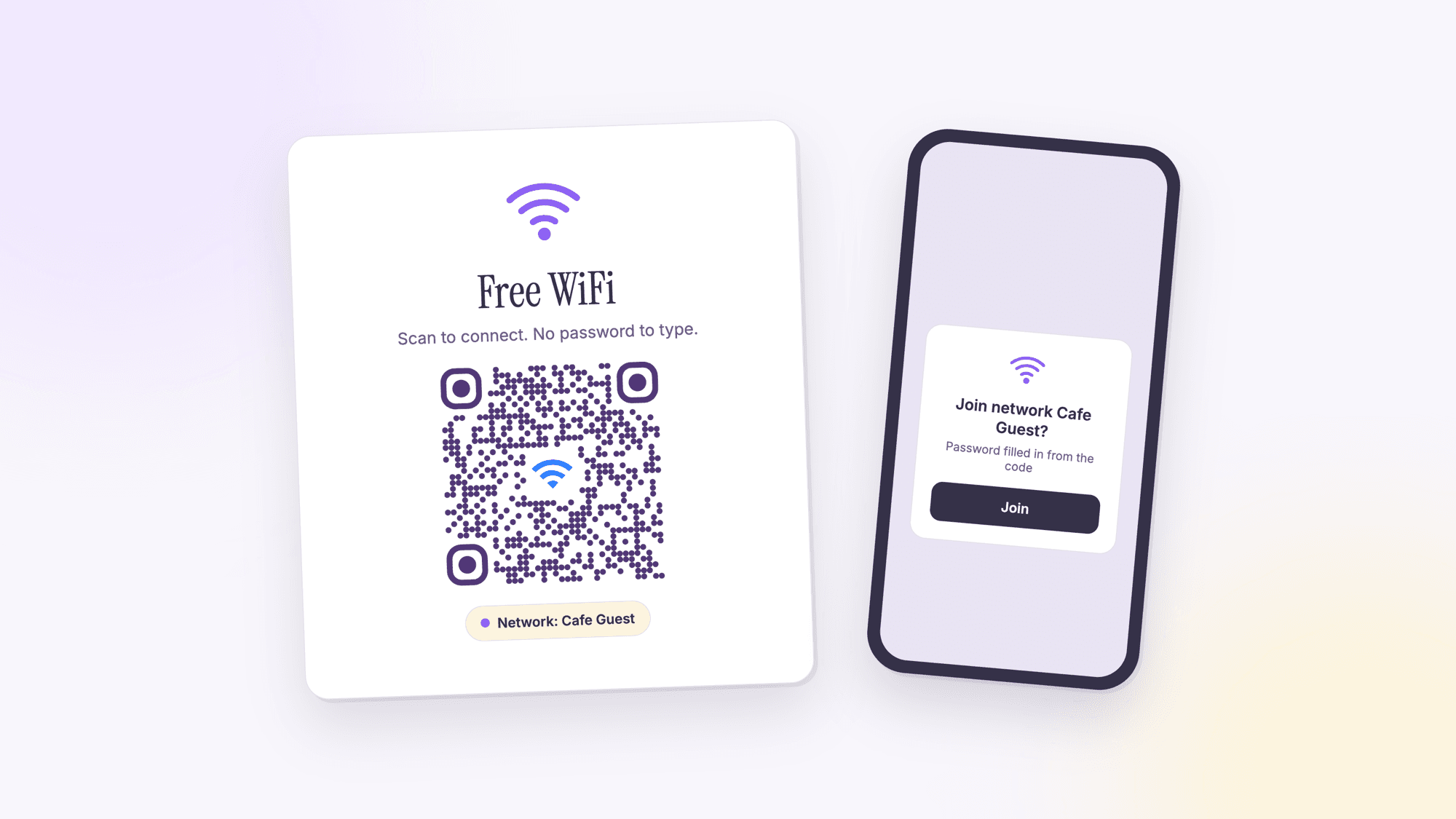
How to Make a WiFi QR Code (Home, Business, or Rental)
Last updated Jul 3, 2026
On this page
- What actually happens when you scan one
- Finding the network name and password to begin with
- Three places this actually gets used
- The security question people ask and skip
- One router setting that quietly breaks this
- What router-generated QR labels get wrong
- What to do when a network requires a login page instead
- How this compares to other password-sharing methods
- Common questions about WiFi QR codes
Almost every home in the US has a WiFi password taped to a router, scribbled on a whiteboard, or texted to guests one letter at a time over a bad connection. Pew Research found that 80 percent of US adults subscribe to home high-speed internet, and 90 percent own a smartphone, which means the password-sharing moment happens constantly: a babysitter, a contractor, a relative visiting for the holidays, a guest at a rental. A WiFi QR code turns all of that into one scan.
What actually happens when you scan one
A WiFi QR code is not a link to a webpage. It encodes the network name and password directly using a format called the WIFI: URI scheme (something like WIFI:T:WPA;S:mynetwork;P:mypassword;;), which the Wi-Fi Alliance formalized as part of the WPA3 specification. When a phone camera reads it, the phone offers to join that exact network immediately, no typing required. iPhones have recognized this format natively in the Camera app since iOS 11 (2017). Android added the equivalent, sharing a network via a QR code from Settings, in Android 10 (2019).
One real limitation worth knowing: while the WPA3 spec calls for a dedicated security type for WPA3-only networks, most generators and scanners still use the older WPA type value, which covers both WPA and WPA2. WPA3-specific QR codes are not consistently supported across every phone yet. If your router runs WPA3, use the standard WPA type when generating the code. It will still work.
Finding the network name and password to begin with
You need the exact network name (SSID) and password before you can generate anything, and both are usually easier to find than people expect. Most routers have a sticker on the bottom or back panel printed with the default network name and password straight from the manufacturer. If the password has been changed since setup, check the router's admin page (usually reached by typing the router's IP address, often 192.168.1.1 or 192.168.0.1, into a browser) or the manufacturer's app if one was used during setup, like the eero, Google Home, or Orbi apps.
On a Mac already connected to the network, Keychain Access stores the saved password and will reveal it after a login prompt. On Windows, Network and Sharing Center, under the connected network's Wireless Properties, has a "Show characters" checkbox in the Security tab that reveals a saved password the same way.
Three places this actually gets used
Home. One QR code taped to the inside of a cabinet or printed on a small card by the router. No more reciting a sixteen-character password out loud while someone types it into their phone with one hand.
Short-term rentals. A laminated card with the WiFi QR code next to the guest instructions is faster than making a guest squint at a router label taped under a desk. Hosts who already print a house-rules sheet can add it to the same page with no extra printing cost.
Small business. Coffee shops, waiting rooms, and salons that offer customer WiFi can put the code on a table tent, a receipt, or a wall sign near the register instead of a chalkboard password that changes every time someone forgets to erase last month's.
The security question people ask and skip
A WiFi QR code is exactly as secure as reading the password out loud, no more and no less. Anyone who scans it can join your network. For a home network, that is the same trust level as handing someone your password verbally. For a business offering public guest WiFi, put the guest network (not your main network) behind the QR code, the same way you would not hand a customer the password to your point-of-sale system's WiFi. Most routers support a separate guest network for exactly this reason.
Setting one up usually takes under five minutes from the router's admin page or app: look for a section called Guest Network or Guest WiFi, toggle it on, and give it its own name and password separate from your main network. Guest networks are typically isolated from other devices on the main network by default, which means a customer's phone cannot see or reach a point-of-sale terminal, a security camera, or a back-office printer even while connected to the same router.
One router setting that quietly breaks this
Many routers broadcast two separate networks, one on the 2.4GHz band and one on 5GHz, each with a slightly different name unless the router is set to combine them. If your WiFi QR code encodes the 5GHz network's credentials but a guest's older phone or a smart speaker only supports 2.4GHz, the scan succeeds but the device never actually connects. Check your router settings for a "band steering" or "combine networks" option, which merges both bands under one name and password, so a single QR code works regardless of which band a given device prefers.
For durability, a WiFi QR code that gets touched constantly, taped near a register or handled by dozens of rental guests a year, holds up much better laminated or printed on cardstock than on plain paper. A cracked or faded corner does not necessarily break the code, thanks to built-in error correction, but a printout that has visibly degraded is worth replacing before it becomes unreliable rather than after a guest complains it will not scan.
What router-generated QR labels get wrong
Some routers ship with a manufacturer-printed WiFi QR sticker already on the device, generated at the factory before the password was ever changed. If a customer or IT team updated the password after setup, that sticker is now wrong and will fail silently, the code scans fine, the phone just cannot join with an outdated password. Before relying on any pre-printed router label, confirm the credentials on it still match what the network is actually using, and generate a fresh code yourself if there is any doubt.
What to do when a network requires a login page instead
Hotels, airports, and some office buildings use a captive portal instead of a standard password: the device joins an open network, then a browser page pops up asking for a room number, a booking reference, or a click-to-accept terms screen. A WiFi QR code cannot skip that step, since the login happens after joining, not as part of the connection itself. What a QR code can still do in that setup is encode the network name for an open, unsecured network (using the nopass type), so a guest's phone joins automatically and only has to handle the login page, rather than typing the exact network name correctly by hand first.
This matters more than it might seem for smaller operations. The FCC reported that as of December 2024, 95 percent of US homes and small businesses had access to fixed broadband meeting the 100/20 Mbps benchmark, though roughly 24 million Americans, about 7 percent, still lacked it, rising to 28 percent in rural areas. Offering reliable guest WiFi is a real differentiator in the areas where that gap is widest, and a QR code removes the one piece of friction (typing a long password) that makes people give up before they connect.
How this compares to other password-sharing methods
Apple built a device-to-device WiFi password sharing feature into iOS that works when both people have iPhones, are signed into iCloud, and have each other saved as a contact: holding one phone near another prompts a one-tap password share, no QR code involved. Android has an equivalent through Nearby Share on newer versions. Both are fast, but both only work phone-to-phone, in person, between devices that already meet those conditions.
A QR code works regardless of phone brand, regardless of whether the two people know each other well enough to be saved contacts, and it keeps working for the next person and the person after that without you doing anything again. For a one-time house guest with an iPhone and you also have an iPhone, the built-in share feature is faster. For a rental host, a cafe, or anyone sharing a password with strangers repeatedly, a printed QR code is the one that scales.
Static QR codes never expire, so if you change your WiFi password, the old printed code stops working and needs a reprint. If you expect to rotate the password on any kind of schedule, a dynamic QR code lets you update the destination without touching the printed card, though for most home and small business setups a static code is simpler and free.
Use our free WiFi QR code generator and it works the same whether you build it on a laptop or, per the phone-only walkthrough, standing next to the router with your phone.
For a single one-off code with no tracking needed, the plain generator on the homepage handles it in one step.
Common questions about WiFi QR codes
Does a WiFi QR code work on both iPhone and Android?▾
Yes. iPhones have read WiFi QR codes natively through the Camera app since iOS 11 (2017). Android added native WiFi QR sharing and scanning in Android 10 (2019). Both platforms prompt the user to join the network the moment the code is scanned, with no app required.
Is it safe to put my WiFi password in a QR code?▾
It carries the same risk as telling someone your password out loud. Anyone who scans the code can join the network. For a business, put the guest network behind the QR code rather than the network your point-of-sale or internal systems use.
Does this work with WPA3 networks?▾
Generate the code using the standard WPA type even on a WPA3 network. WPA3 covers WPA2 devices for backward compatibility, and WPA3-specific QR code support is not yet consistent across every phone and generator. Using WPA as the type keeps the code working everywhere.
What happens if I change my WiFi password later?▾
A static WiFi QR code stops working the moment the password changes, since the old password is baked directly into the code. Reprint it with the new password. If you change your password on a regular schedule, a dynamic QR code lets you update the destination without reprinting, though it requires a free account.
Can I make a WiFi QR code without knowing my router's admin settings?▾
Yes. You only need the network name (SSID) and password exactly as they appear on your router or in your WiFi settings, both of which are usually printed on a label on the router itself. No admin login or router configuration is required to generate the code.
Should a short-term rental host use a WiFi QR code?▾
It is one of the simplest upgrades available to a host. Print it once alongside the house-rules sheet and guests join the network in one scan instead of typing a long password from a router label. It costs nothing beyond the initial printing.
Free, no signup, no watermark. Works for any home, business, or rental network.
Make your WiFi QR code nowPublished by
QRCodePrime Team
Guides on making, printing and scanning QR codes
Published by the team behind the free QRCodePrime generator and scanner. The example codes in our illustrations are real codes made with the generator, numbers are either computed by us or quoted from a source we name, and the sources are linked at the end of each article. Found a mistake? Email hello@qrcodeprime.com and we will fix it.